
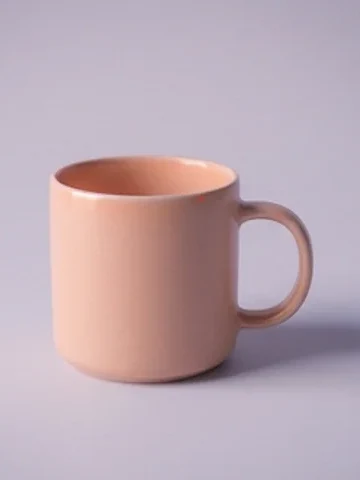
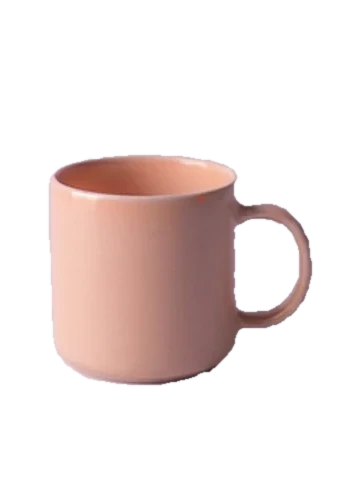
Removing the background from an image is useful more often than it sounds: a product photo for eBay, Vinted or Depop, a clean profile picture, a sticker, a slide, a collage, a logo you only have as a photo. Drop the image, the model finds the main person or object and cuts it out, and you download a PNG with a transparent background, ready to place on any color.
What sets this background remover apart is where it works: in your browser. The model downloads once, about 120 MB, or about 30 MB on a low-end phone, and from then on the photo is processed on your own device. It isn't uploaded to our server or to anyone else's. For photos of people, of your home or of documents, that matters.
The result comes out at full size with no watermark. If an edge isn't right, say a strand of hair or the handle of a mug, open Refine edges on the same screen: the Keep brush brings back what was cut off, the Erase brush removes leftover background, the brush size is adjustable and every step can be undone. You can also preview the cut-out on white, light, black or a color of your choice, and download it that way.
For a clean cut-out, it helps when the subject is whole, large in the frame and stands out from what is behind it. Hair and fur usually come out well; very busy backgrounds or ones the same color as the subject may need a touch-up with the brush. If the photo is a whole room or a landscape with no main subject, you'll get a message instead of a random cut-out. On a low-end phone the lighter model keeps things from freezing, and if you want sharper edges you can ask for the full model.
On a computer without a graphics card it takes about 20 seconds; with a graphics card, less. It takes JPG, PNG, WebP and HEIC from an iPhone, and images pasted with Ctrl+V. You can drop several photos at once.
With the cut-out ready, you can keep going: make a passport photo, upscale it if it came out small, compress it to send, or write the listing straight from the photo.