Drop the file. Wovea knows what to do with it.
Translate and fix text, turn audio into text, remove backgrounds, sharpen photos. Free, no sign-up, all in one place.

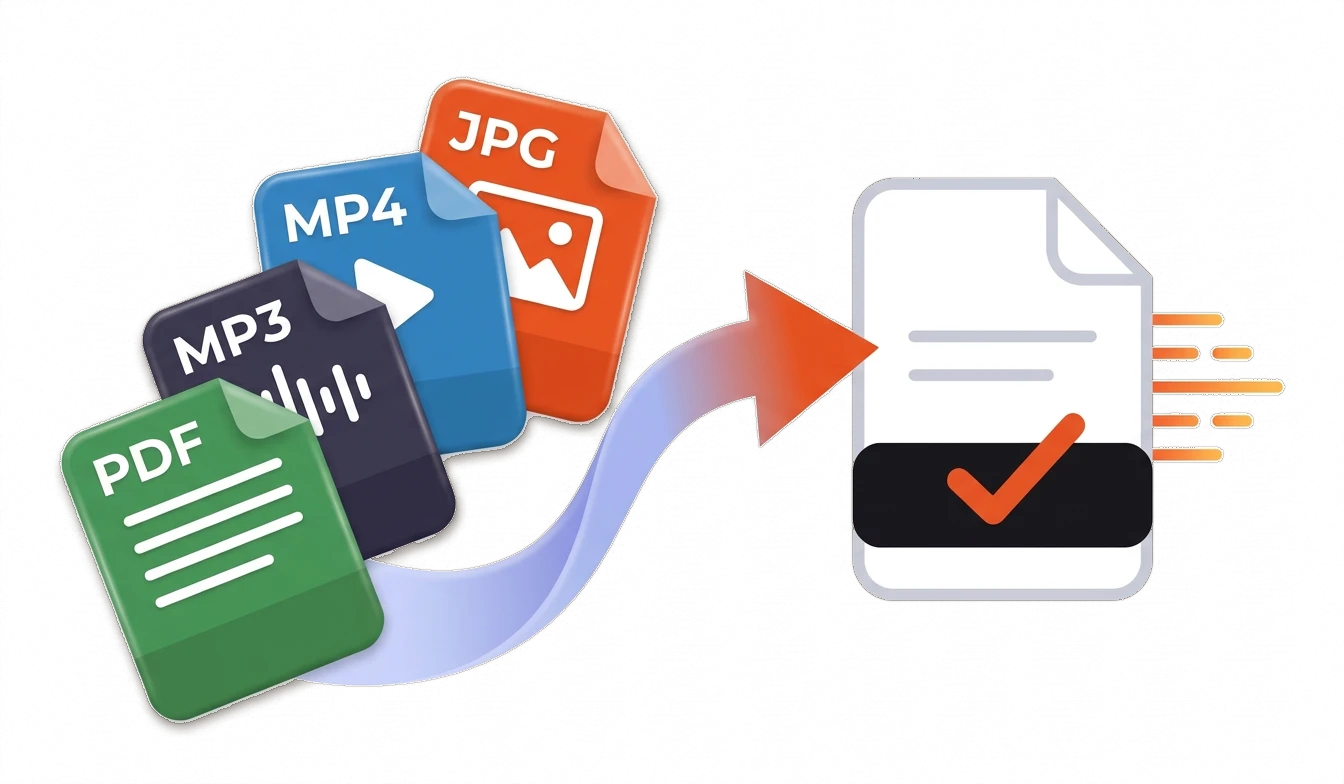
- Free, no sign-up
- Photos never leave your device
- Other files are deleted after 24 hours
- No watermarks
Most popular:
A good place to start.Translate text
An email, message or post in another language. Sounds like a real person, not a dictionary.
- 45 languages to choose from
- Neutral, casual or formal tone
- Line breaks and links stay put
Audio to text
Turns a voice message, call or lecture into text with timestamps.
- Recordings up to 2 hours
- Timestamps for each phrase
- Language detected automatically
Remove background
Cuts out an object or a person and leaves a transparent background.
- Transparent PNG
- For products, avatars and stickers
- Photo stays on your device
Passport photo
Crops a portrait to passport, ID or visa size and makes the background white.
- 22 ready-made sizes
- Even, light background
- Photo stays on your device
One window, and you can take the result straight to the next step
Dropped in the meeting recording
Got the text with timestamps
Sent it to a colleague in Spanish
Everything you've done is in your library. Without an account, it's stored in your browser.
Any format in. The one you need out.
Photos, videos, voice messages, documents and plain text. Wovea figures out what you brought and gives you the result in a handy format.
Everything you usually google when you need to do something with a file
15 actions for text, audio, photos and documents. Each one works right away, no login and no trial.
Text and translation
- Translate textAn email, message or post in another language. Sounds like a real person, not a dictionary.
- Fix and improve textFixes mistakes and clumsy phrasing without changing the meaning or your style.
- Rewrite textThe same text, shorter, more polite or simpler. Handy for emails and announcements.
- Reply to a messagePaste a message you got, get a reply in the right language plus a translation for you.
- Translate a documentDrop in a Word, PDF or TXT file and get the same document in another language.
Audio and video
- Audio to textTurns a voice message, call or lecture into text with timestamps.
- Generate subtitlesSubtitles for a video in the original language or already translated.
- Video to MP3Pulls the audio out of a video and saves it as mp3. Runs right in your browser.
Photos
- Remove backgroundCuts out an object or a person and leaves a transparent background.
- Enhance photoMakes a small or blurry photo sharper and bigger.
- Passport photoCrops a portrait to passport, ID or visa size and makes the background white.
- Convert imageChanges an image's format and file size, like iPhone HEIC to JPG.
- Listing descriptionA photo of the item becomes a title, a description and search keywords.
Documents
- Translate PDFTranslates a whole PDF and keeps paragraphs, headings and page order.
- Extract text from a photo or PDFPulls the text out of a scan, screenshot or PDF so you can copy it.
What happens to your files
Photos stay on your device
Background removal, upscaling, passport photos and image or video-to-MP3 conversion run in your browser. Those files never reach our server.
No sign-up, no watermarks
No account, no trial. You get the result before we ask you anything, and what you download is what you see: full size, no watermark.
What goes to the server is deleted after 24 hours
Audio, video and documents processed on our server are deleted after 24 hours, and text isn't stored. Your history lives in the library in this browser.
Wovea on your phone
Add it to your home screen and open it like an app. On Android it also shows up in Share, so you can send it a photo or a voice note without opening the browser.
How to install itFrequently asked questions
What is Wovea?
A site for the things you usually look up online when you have a file or a text: translate, fix grammar, transcribe, remove a background, sharpen a photo, get the text out of a PDF. Drop the file and Wovea suggests what to do with it.
Is it free? For how long?
Yes, everything is free right now. Later there will be a paid plan for people who want to do more or get higher quality, but the basics will stay free, and we'll say so here before anything changes.
Do I need to sign up?
No. No account, no email, no trial. Open the page and use it.
What happens to my files?
Photos (background removal, upscaling, passport photos) and image or video-to-MP3 conversions run on your device and never reach us. Other files are processed on our server and deleted after 24 hours.
Where are my results kept?
In the library, inside your browser. We can't see them; if you clear your browser data or switch devices, they won't be there.
Are there any limits?
Files up to 95 MB, audio and video up to 120 minutes and text up to 50,000 characters. To keep bots out, one connection can run up to 60 AI tasks per hour.
Is there an app?
You can install Wovea on your phone from the browser, like an app. On Android it then shows up in Share, so you can send it a photo or a voice note directly.
Who is behind Wovea and how do I reach you?
Wovea is an independent project. For questions, bugs or ideas, write to info@wovea.app.